
Legal GenAI assistants should be evaluated by the legal task, the evidence available to the user, and the controls around review—not by a generic ranking.
Start with the work the team wants to improve. Research, drafting, contract review, playbook comparison, clause extraction, precedent retrieval, matter analysis, and workflow automation each require different inputs, outputs, permissions, and reviewer responsibilities. A useful pilot uses representative work, agreed acceptance criteria, and a named person accountable for the final result.
How to run a practical evaluation
- Define the task: state the decision or deliverable, source material, and what a good result must contain.
- Use representative matters: include the agreement types, document quality, jurisdictions, and exceptions the team actually handles.
- Set review rules: decide which output can be used as a draft, which requires source verification, and which must be escalated.
- Confirm data controls: review access, retention, provider terms, permitted inputs, and audit requirements before uploading client or confidential information.
- Measure fit: track quality, corrections, reviewer effort, integration needs, and adoption—not only speed.
Leah
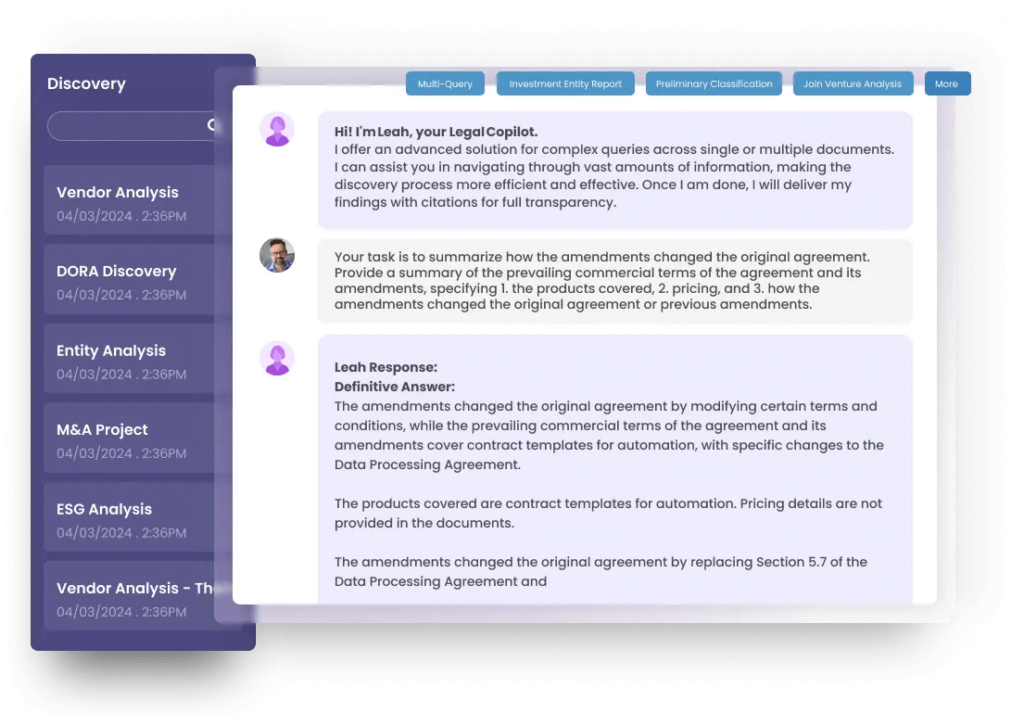
Consider Leah where the organization needs contract and legal-operations workflows. Validate the specific product capabilities, integrations, controls, implementation plan, and review process against the intended use case. A useful demonstration should show the agreement, workflow, approval, and reporting path that the team will actually operate.
Harvey
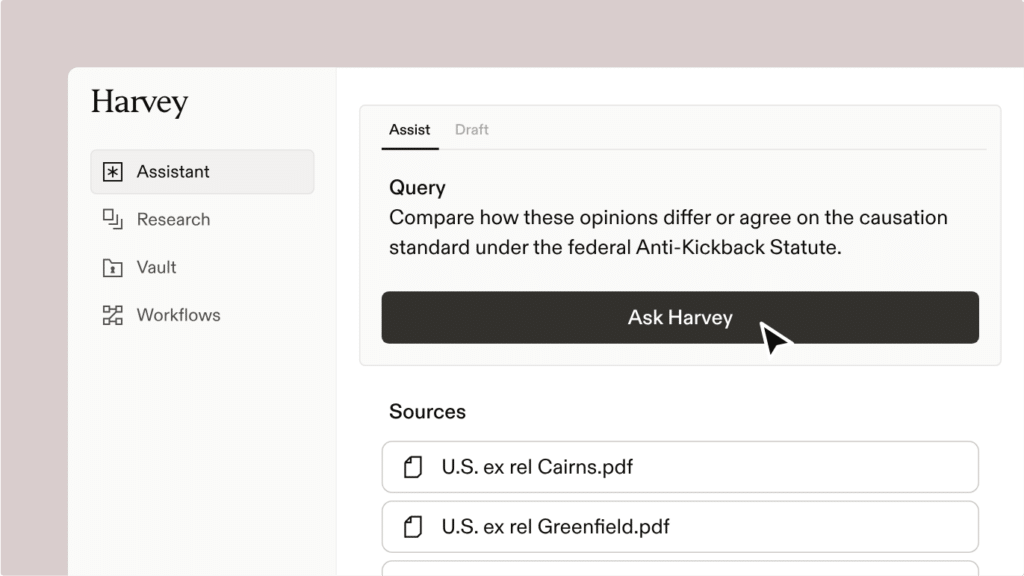
Harvey’s ecosystem materials describe Word drafting, playbooks, workflows, and integrations. Teams should test the configuration available to them, how legal sources are selected and checked, and how outputs fit into existing matter and document processes.
Luminance
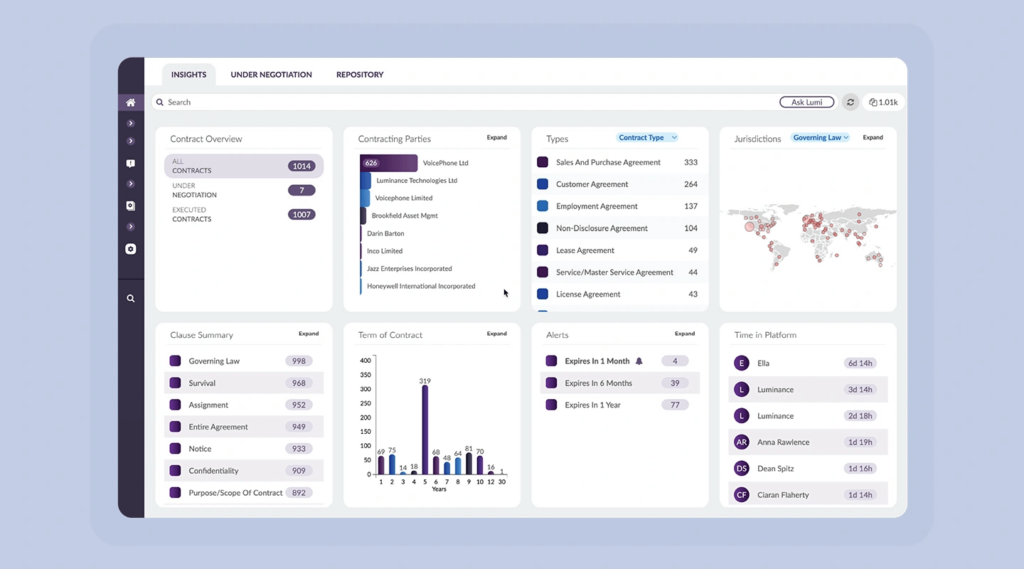
Luminance is commonly evaluated for document analysis and legal workflows. Buyers should confirm the current product scope, deployment model, integrations, and commercial terms directly with the vendor, then test priority documents with the people who will review and approve the result.
CoCounsel
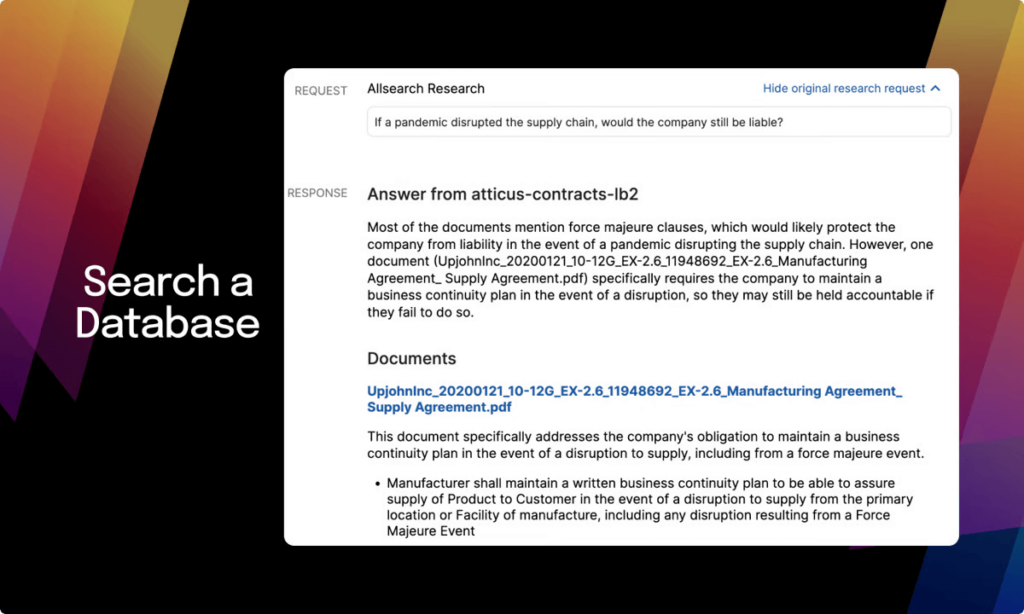
Thomson Reuters describes CoCounsel capabilities for transactional drafting, contract review, playbooks, clause revisions, and Word-based work. Evaluate the applicable package, legal-content dependencies, source controls, and review workflow for the team’s matters.
Spellbook
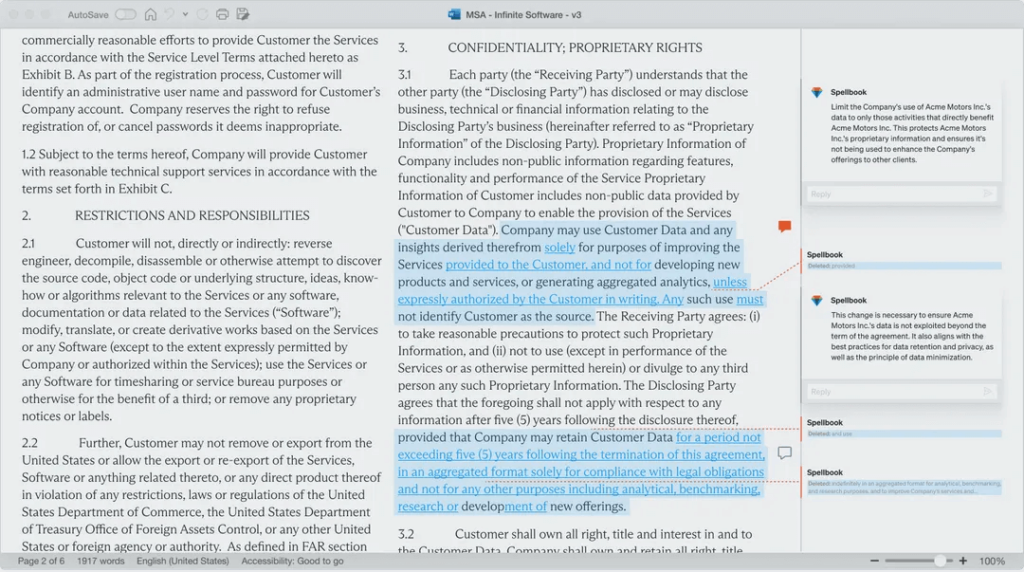
Spellbook documents review, drafting, playbooks, precedent and library work, and legal sources. Its integration materials list iManage, OneDrive, and SharePoint. Confirm availability, configuration, permissions, and document-management fit in the organization’s environment.
Decision checklist
- Can the tool complete the exact task with representative legal work and a documented human reviewer?
- Are sources, citations, and uncertain outputs easy to identify and check?
- Do access, retention, confidentiality, and audit requirements match the organization’s policy?
- Does the product fit the team’s document, matter, contract, and collaboration systems?
- Are the licensed capabilities, implementation responsibilities, support, and commercial terms clear?
Technology can assist legal teams, but it does not replace professional judgment. Select the tool and workflow that give reviewers enough context, control, and evidence to make a defensible decision.