
Quick answer: No single AI is the most popular or the best for all document review: general-purpose AI assistants handle quick summaries of low-risk files, while contracts and other legal documents need specialist review AI that checks clauses against your standards, cites the source text, and keeps an audit trail. The best choice is the tool that proves most accurate on your own documents, not the one most people use.
To choose, test two or three shortlisted tools on a sample of your real documents and score them on accuracy, source citations, security, data use, and workflow fit with the selection table below. If most of your review is contract work, a contract lifecycle management (CLM) platform with built-in AI review keeps redlines, approvals, and the signed contract in one governed place.
Which AI Is Best for Reviewing Documents?
There is no single best AI for every document review job. The right choice depends on whether you need fast summaries, legal issue spotting, contract data extraction, redlining, or an auditable review process. Use this table to narrow the field before you compare vendors.
| Review need | Best-fit AI approach | What to check before buying |
|---|---|---|
| Low-risk summarization | General-purpose AI assistant | Data handling, retention terms, source citations, and who reviews the output. |
| Long documents | AI that processes the full file and cites the page or clause behind each answer | Whether answers about schedules, annexes, and the last pages are as accurate as answers about the first pages. |
| Contract review and redlining | Contract-specific AI or CLM with AI review | Clause playbooks, fallback positions, Word workflows, repository sync, and audit trails. |
| Confidential or regulated documents | Domain-trained review system with documented security controls | Certifications or audit reports, data residency, model-training terms, explainability, escalation rules, and evidence capture. |
| Enterprise workflow automation | Agentic AI platform | How review outputs trigger approvals, obligations, renewals, and downstream work, and where people approve. |
AI Document Review Decision Criteria
Before you compare vendors, define what "review" means for your team. A litigation team may care most about privilege review and discovery workflows. A legal operations team may care about intake, contract redlining, approval routing, and reporting. Procurement and finance teams may care about obligations, commercial terms, and spend exposure.
Write those needs down, then turn them into tests with the selection table below.
AI Document Review Selection Table: What to Check and Why
Use this table in demos and pilots. For each row, ask the vendor to show the capability on your own documents, not a prepared demo file, and mark it pass, partial, or fail. Run every shortlisted tool through the same sample so the scores are comparable.
| Criterion | What to check | Why it matters |
|---|---|---|
| Accuracy | Run a sample of your own documents, including scans, non-standard templates, and every language you work in. Compare the results with an experienced reviewer's markup and count misses as well as false alarms. | Demo files are chosen to work. Your documents decide whether the tool saves time or creates rework. |
| Source citations | Every finding links to the exact clause, page, or passage it came from. | Reviewers can verify a result quickly instead of rereading the document, and you can show later why a decision was made. |
| Your standards | Load your playbook or preferred positions and check that the tool flags deviations and proposes your approved fallback language. | Generic "risky clause" alerts do not reflect what your organization will accept. |
| Long documents | Test your longest files, with schedules, tables, and amendments, and ask questions about content near the end. | Key terms often sit in schedules and amendments. A tool that misses them gives false comfort. |
| Human review | Check confidence flags, how exceptions route to a reviewer, and whether reviewers can accept, edit, or reject each suggestion. | Accountable people stay in control of legal and commercial decisions. |
| Security | Ask for current ISO 27001 certification or SOC reports, encryption details, data residency options, and role-based permissions. | Contracts and legal files hold confidential, personal, and price-sensitive data. |
| Data use | Get a written commitment on data retention and on whether your documents train any model, for the plan you will actually buy. | Data terms can differ between products and plans, and your contract is the commitment you can enforce. |
| Workflow fit | Check where results go: Word for redlines, approval routing, the contract repository, renewal reminders, and connectors to your CRM, ERP, procurement, and e-signature tools. | Review that ends in a chat window has to be copied by hand into the systems that act on it. |
| Audit trail | Confirm the tool logs who reviewed what, what the AI suggested, and what a person changed. | Auditors, regulators, and opposing counsel may ask how a decision was made. |
| Total cost | Compare pricing models (per user, per document, or enterprise), implementation services, and the internal time to run the tool. | The cheapest license can cost more overall if reviewers must recheck every result. |
The tool that passes the most rows on your documents is the best AI for your document review, whatever its market share. The pilot steps under Best Practices for Implementation below show how to run the test.
Executive Summary
AI document review has moved from basic OCR (text recognition, itself an early form of AI) to models that can summarize, classify, and compare document language. For most organizations, the right choice is not a single general-purpose AI but tools matched to your document types, risk levels, and workflow. Contract work in particular benefits from domain-specific tools that understand clause language and connect to approvals and the contract repository. This guide helps you evaluate AI document review solutions on accuracy, specialization, security, workflow fit, and cost.
Market Evolution: From OCR to Intelligent Document Analysis (2015-2026)
Over the past decade, AI document review has moved from simple text extraction to analysis that reads clauses in context, identifies obligations, and suggests changes.
2015-2018: The OCR+ Era
Early solutions relied primarily on optical character recognition with basic pattern matching. The first contract review tools added machine learning to identify specific clause types, but results still needed extensive human validation.
2019-2021: Machine Learning Specialization
This period saw the rise of domain-specific AI trained on particular document types. These systems improved accuracy by focusing on narrow use cases, such as contracts, legal briefs, or compliance documents, rather than attempting general document comprehension.
2022-2023: Large Language Model Integration
Widely available large language models brought broader contextual understanding to document review. On their own, however, general models did not know an organization's playbook, approval rules, or risk positions, so specialized work still needed careful prompting, grounding in the source documents, and human checks.
2024-2026: Domain-Specific Models and Agentic Workflows
Current solutions combine specialized training with large language models and connect review to the work that follows. Instead of only extracting information, they compare clauses with approved positions, find patterns across a contract portfolio, and pass results to approval and obligation workflows.
Agentic AI for legal teams takes this a step further. An agent can carry a document through several steps, for example flagging a non-standard clause, proposing approved fallback language, and routing the exception to the right approver, while people keep the decisions that matter.
Why Traditional Document Review Falls Short
Manual review still has a place, especially for novel or high-stakes documents. At volume, though, it creates four recurring problems.
Unsustainable Costs
Manual review is paid for in hours, so its cost rises with every document added. Routine first-pass review also competes for lawyer time with advice, negotiation, and risk decisions that only lawyers can make.
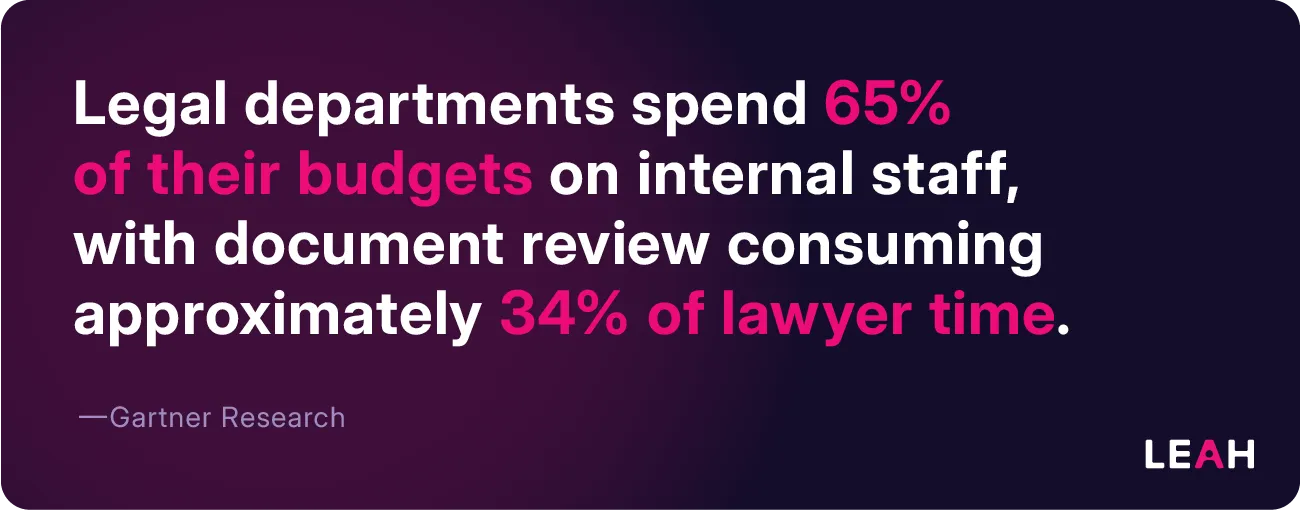
According to Gartner research, legal departments spend 65% of their budgets on internal staff, with document review consuming approximately 34% of lawyer time. For a mid-sized legal team, this represents hundreds of thousands in annual costs for tasks that modern AI can perform more efficiently.
Human Error and Inconsistency
Reviewers working through high volumes, tight deadlines, or unfamiliar templates miss things and apply standards differently. If the playbook lives in people's heads, two reviewers can reach different conclusions on the same clause. These inconsistencies create downstream business risk and potential compliance issues.
The Association of Corporate Counsel (ACC) reports that manual contract review produces inconsistent results with error rates between 15-25%, especially during high-volume periods or when conducted by junior staff.
Productivity Bottlenecks
Document backlogs delay deals, supplier onboarding, and renewals. Manual review scales only by adding people, which is slow and expensive when volumes spike.
Traditional review processes simply cannot scale with the growing volume of documents that modern businesses generate, with ACC benchmarking showing that manual review takes 3-5× longer than AI-assisted review for typical contracts.
Lost Strategic Insights
Traditional review treats documents as isolated items rather than connected data points. That misses trends across a portfolio, such as which terms counterparties push back on most or where non-standard clauses cluster.
AI review can address each of these problems, provided you choose a tool that fits your documents and keep people accountable for the decisions.
Core Evaluation Criteria for Document Review AI
Knowing where manual review falls short clarifies what to look for in an AI solution, but not all systems are equal. When assessing AI review solutions, focus on these factors:
Accuracy and Domain-Specific Training
The foundation of any effective document review AI is its accuracy within your domain. Domain-trained systems are tuned to understand specialized terminology and context that generic models may overlook. Benchmark accuracy rates for contract analysis should exceed 90% for key clause identification.
Integration Capabilities
Document review rarely exists in isolation. The best AI solutions connect to your existing document management systems, communication tools, and workflow platforms. Look for well-documented APIs and pre-built connectors to your technology stack.
Security and Compliance
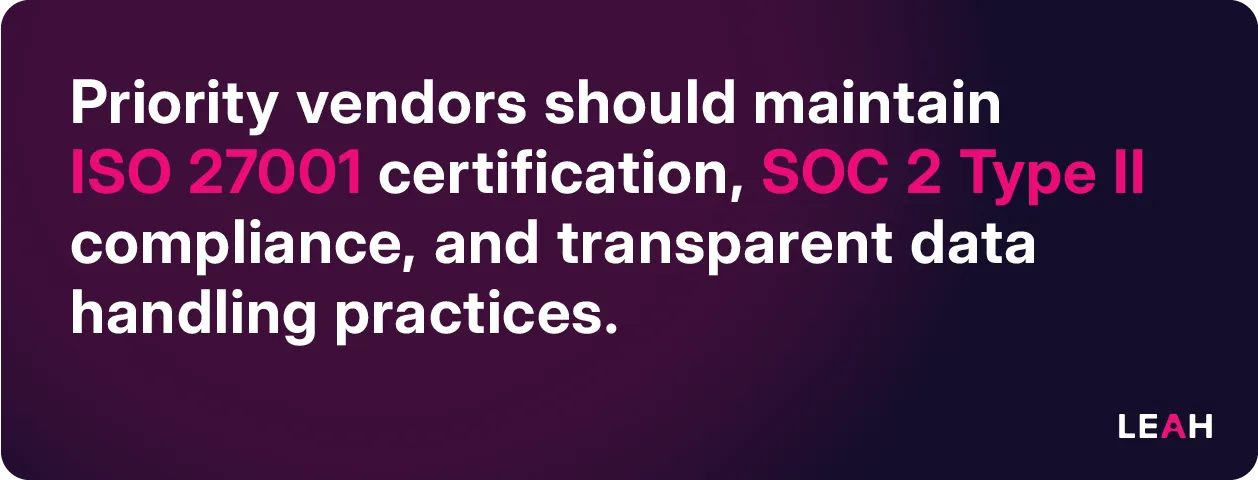
Document review often involves sensitive information. Priority vendors should maintain ISO 27001 certification, SOC 2 Type II compliance, and transparent data handling practices. Evaluate whether the solution offers on-premises deployment options or secure cloud environments with appropriate data residency controls.
Total Cost of Ownership
Beyond the initial license fees, calculate implementation costs, training requirements, and ongoing management overhead. The most cost-effective solution may not have the lowest upfront price; it is often the one that needs the least rework from your reviewers.
Scalability and Performance
Document volumes fluctuate with business cycles. Effective AI systems maintain performance under peak loads without significant loss of processing speed or accuracy. Test solutions with your typical document volumes and variety to confirm consistent performance.
General-Purpose AI Assistants: Broad Document Analysis
With evaluation criteria in hand, start with the tools many people already have. Widely available general-purpose assistants include ChatGPT (OpenAI), Claude (Anthropic), Gemini (Google), and Microsoft Copilot. Their features, context limits, and data terms change often, so check the current version and the plan you would actually use.
Where General-Purpose Assistants Fit
General assistants can read many document formats, summarize long material, explain dense language in plain words, and answer questions about a file. They work well for first reads, internal drafts, and low-risk documents where a person checks the output.
Claude's document analysis capabilities show particular strength in extracting nuanced meaning and identifying inconsistencies within documents. Its 200,000 token context window allows for analyzing longer documents without losing context.
What to Add Before Using Them on Contracts
For contracts and regulated documents, an assistant needs context it does not have by default: your playbook, fallback positions, approval rules, and the rest of the contract record. Before you rely on one, confirm how your plan handles data retention and model training, whether answers cite the source text, and how you will record who reviewed what. If you need those controls on every document, a purpose-built tool is usually the better fit.
Contract-Focused AI: Purpose-Built Solutions
For organizations that review mostly contracts and legal agreements, the gap between general and specialized AI widens. Purpose-built contract AI is trained on contract language and designed around legal review steps, such as comparing a clause with a playbook or proposing approved fallback language.
What Contract Analysis Solutions Offer
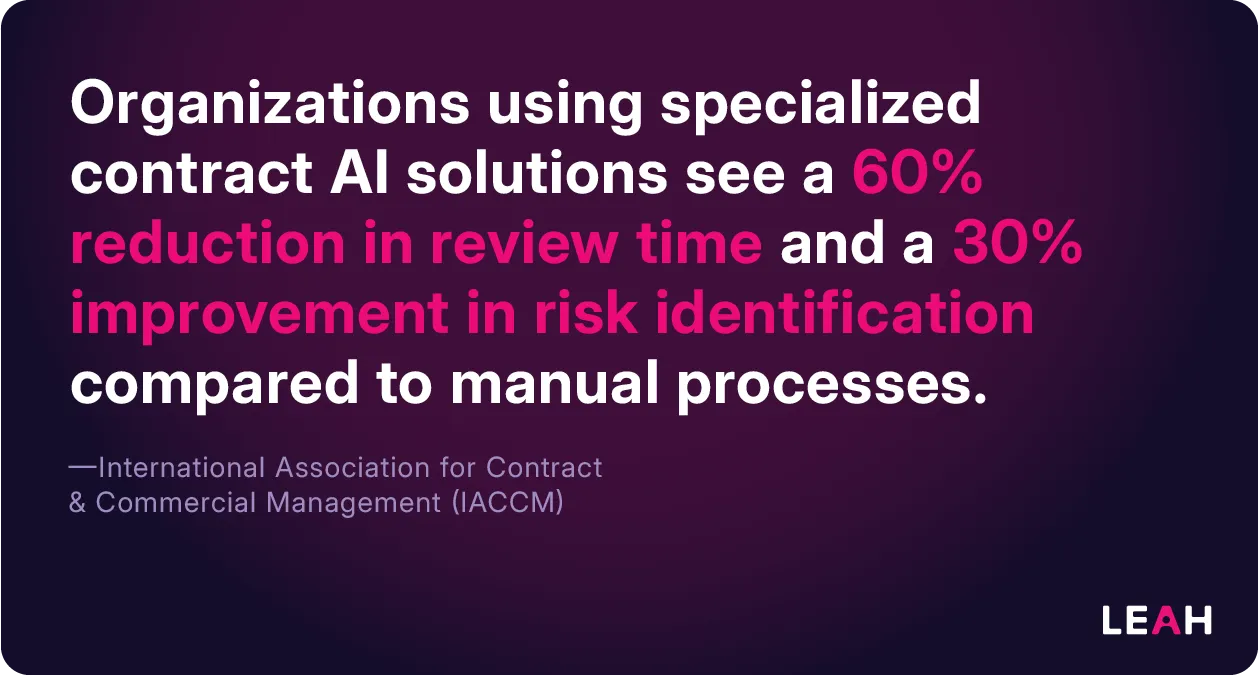
The International Association for Contract & Commercial Management (IACCM) reports that organizations using specialized contract AI solutions see a 60% reduction in review time and a 30% improvement in risk identification compared to manual processes.
When you compare contract analysis platforms, look for these characteristics:
- Industry-leading accuracy on clause extraction (95%+ in benchmark tests conducted by MIT)
- Clause identification and extraction trained on contract language, with each result linked to its source (our guide on how to automate contract data extraction covers this step in detail)
- Risk scoring based on your organization's own risk positions
- Connection to contract lifecycle management workflows, such as approvals, signature, and obligations
- Analysis in the languages and jurisdictions you contract in
- Settings you can adjust to match your organization's priorities
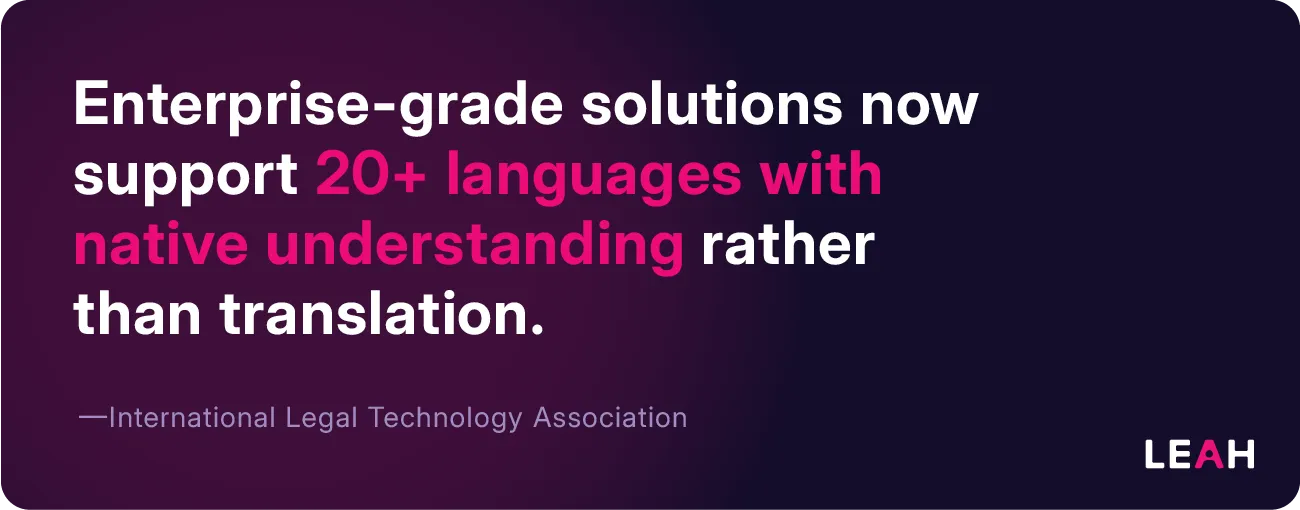
The International Legal Technology Association (ILTA) annual technology survey shows that enterprise-grade solutions now support 20+ languages with native understanding rather than translation.
Pattern Recognition Solutions
Pattern-recognition approaches compare a set of contracts against each other rather than against a template. They are useful for due diligence and M&A work, where the goal is to find outlier terms across many agreements.
Legal Drafting Assistance
Drafting assistants that work inside Microsoft Word let lawyers accept or reject AI suggestions as tracked changes, which keeps the familiar redlining workflow. The American Bar Association's TechReport covers how lawyers use technology, including AI, each year. For a closer look at review inside Word, see our guide to contract redlining software.
The Harvard Law School Center on the Legal Profession notes that these tools can reduce drafting time by up to 70% for standardized agreements.
Regulated-Industry Adapters: Specialized Compliance Solutions
Beyond contracts, some industries have regulatory requirements that call for more specialized AI review. Healthcare, financial services, and real estate each have distinct document types and rules:
Healthcare: Adapting to HIPAA and Clinical Requirements
Healthcare document review must address both regulatory compliance and technical medical content. Models trained on healthcare agreements can be set up to check for HIPAA-required provisions, such as business associate agreement terms, and for common compliance gaps in provider contracts and research agreements.
The Journal of AHIMA has published studies showing that healthcare-specific AI solutions improve compliance verification by up to 30%.
Financial Services: Navigating Complex Regulatory Frameworks
Financial institutions review documents within interconnected regulatory frameworks, including SOX, GLBA, and international standards that keep changing. The Financial Industry Regulatory Authority (FINRA) reports that AI systems specifically trained on financial documentation, with built-in regulatory checklists, can ensure compliance across jurisdictions while reducing review time by 50-60%.
Real Estate: Managing Property-Specific Documentation
Real estate transactions involve distinct document structures, from leases to environmental assessments. Specialized tools help with lease abstraction (pulling rent, term, renewal options, and maintenance obligations into a summary) and with compliance checks on property management documents.
According to the Counselors of Real Estate, these specialized systems demonstrate significantly higher accuracy rates (15-20% improvement) over general-purpose AI when handling industry-specific documentation.
Governance & Responsible AI: Ensuring Ethical Document Review
Even the most capable AI can introduce new risks if it is used without oversight. These governance practices keep AI review accountable.
Bias Testing and Mitigation
Document review AI can carry over biases present in its training data. You can base regular bias testing on the NIST AI Risk Management Framework, testing outputs across different document types and content to find problem patterns.
Transparency and Explainability
Effective document review requires understanding how AI reaches its conclusions. Solutions should provide clear confidence scores for extracted information and keep complete audit logs of system decisions and human overrides.
Human Oversight Integration
Responsible implementation requires clear processes for human review of AI outputs, particularly for high-risk documents. Design workflows with validation checkpoints based on document risk levels and the AI system's confidence scores.
Security & Privacy: Protecting Sensitive Document Data
When AI systems process your most sensitive documents, security architecture matters as much as analytical capability. For a fuller list of questions, see our guide to AI contract management data security.
Data Protection Approaches
Solutions offer different deployment options to address security requirements:
- Zero-trust cloud environments with end-to-end encryption
- Private cloud deployments in specific geographic regions for data residency compliance
- On-premises options for organizations with strict data control requirements
Platform Security Credentials
Beyond security certifications, evaluate the provider's security architecture and incident response process. If the vendor runs models through a cloud AI service, such as Azure OpenAI or Amazon Bedrock, ask how your data is isolated, where it is processed, and whether it is retained.
Data Usage Commitments
Verify whether your documents could be used to train the vendor's AI models. Ask for a clear contractual commitment that customer documents will not be used for model training, and check that it covers the plan you are buying.
Cost & ROI Framework: Calculating the Business Case
With security addressed, you need a clear view of the financial case. The value of AI document review extends beyond cost savings to include risk reduction, faster turnaround, and portfolio insights that are hard to get from manual review.
Building the business case for AI document review requires a complete ROI analysis:
Cost Structure Components
- Implementation costs (integration, customization, and training)
- Ongoing license fees (per-user, per-document, or enterprise models)
- Internal staff time for system management and oversight
- Training and change management expenses
ROI Calculation Framework
Effective ROI analysis should consider:
- Direct labor cost reduction (attorney and staff hours saved × average hourly cost)
- Risk reduction value (potential cost avoidance from improved accuracy)
- Acceleration benefits (revenue impact of faster document processing)
- Strategic value (insights gained from document analytics across the portfolio)
Best Practices for Implementation
This infographic outlines an 8-phase framework for implementing generative AI in legal teams, covering everything from forming an AI team and identifying use cases to selecting solutions and establishing ongoing evaluation processes.

For a document review pilot, four steps cover most of it:
- Pick one use case, such as inbound NDAs or supplier agreements, and write down what a completed review must include.
- Build a sample set of real documents and have an experienced reviewer mark up the expected results.
- Run each shortlisted tool on the same sample, score it with the selection table, and agree which results people must always check.
- Measure review time and rework against your current process, then expand to the next document type.
Vendor RFx Checklist: Essential Questions
Before committing to any vendor, use this checklist to confirm the solution meets your critical requirements. If AI review is part of a wider CLM purchase, our CLM RFP guide covers the broader set of requirements.
Technical Capabilities
- What document types and formats does the system support?
- How was the AI trained, and on what document corpus?
- What is the accuracy rate for key information extraction, and how was it measured?
- How does the system handle exceptions and low-confidence extractions?
Integration and Workflow
- What pre-built integrations exist for common business systems?
- How robust is the API for custom integrations?
- What workflow automation capabilities are included?
- How are system outputs delivered to end users?
Security and Compliance
- What security certifications does the platform maintain?
- Where is data processed and stored?
- What encryption standards are implemented?
- How are user access controls managed?
Commercial Terms
- What pricing model is used (per-user, per-document, enterprise)?
- What implementation services are included?
- What ongoing support and training are provided?
- What service level agreements are offered?
Vendor Stability
- What is the company's financial position and funding status?
- How frequently are updates and new features released?
- What is the product roadmap for the next 12-24 months?
- What is the customer retention rate?
Tool-Picker Matrix: Finding Your Best Match
This matrix maps types of AI document review tools to the jobs they fit. It compares categories rather than vendors, because products change quickly and your own pilot results matter more than any general ranking.
| Tool type | Best for | Strength | Check before you buy |
|---|---|---|---|
| General-purpose AI assistant | Summaries, first reads, and plain-language explanations of low-risk documents | Flexible across many document types | Data retention and training terms on your plan; source citations; how output gets into your systems |
| AI in your office suite or workspace | Reviewing documents where they already live | Works inside the editor, email, and file storage you use every day | Permissions and sharing settings, since the AI can usually see what the user can see |
| Legal research platform with AI | Case preparation and legal research questions | Connects documents to legal research content | Whether it also covers contract review, or only research |
| Document capture and OCR service | High-volume forms, invoices, and scanned records | Turns scans and forms into machine-readable text and fields | What will handle clause meaning and legal review after capture |
| Contract-specific AI review tool | Clause review, redlining, and extraction on contracts | Trained on contract language; compares terms with your playbook | Where results go after review; audit trail; Word workflow |
| CLM platform with AI review | End-to-end contract work: intake, review, approval, signature, and obligations | Review outputs feed approvals, the repository, and renewal reminders | Implementation scope, integrations, and migration of existing contracts |
| Agentic AI platform | Multi-step work across legal, procurement, and finance | AI carries work through several steps within set permissions | Approval gates and a log of every action the AI takes |
FAQ
What is the most popular AI for document review?
There is no single most popular AI for document review, because teams use different tools for different documents. Widely available general-purpose assistants, such as ChatGPT, Claude, Gemini, and Microsoft Copilot, are a common starting point for summaries, while legal, procurement, and finance teams reviewing contracts usually need contract-specific AI or a CLM with built-in review. Popularity tells you little about accuracy on your files, so test a shortlist with the selection table above.
What is the best AI for legal document review?
For legal document review, the best AI is a legal or contract-specific tool that compares each clause with your playbook, cites the source text, and lets a lawyer accept or reject each suggestion. A general assistant can summarize a legal document, but it does not know your fallback positions or approval rules unless you supply them each time. Look for tracked-change redlines in Word, an audit trail, and clear data-use terms.
Stanford University's AI Index Report shows that while general LLMs can understand documents broadly, specialized systems understand the specific implications of contractual language and regulatory requirements, with domain-specific models showing 25-40% better performance on specialized tasks.
What is the best AI software for reviewing long documents?
The best AI for long documents processes the full file without skipping pages and links every finding to a page or clause you can open. Test it with your longest real documents, including scanned pages, tables, schedules, and amendments, and check whether answers about the end of a document are as accurate as answers about the start. For contract portfolios, clause-level search across many agreements matters as much as the length of any single file.
What are the most secure AI tools for document analysis?
The most secure AI tools for document analysis are the ones that can show independent evidence of their controls and give you contractual commitments on how your data is used. Ask for current certifications or reports, such as ISO 27001 or a SOC 2 or SOC 3 report, plus data residency options, role-based permissions, audit logs, and a written commitment that your documents will not train models. Check the plan you will actually buy, because data terms can differ between versions of the same product.
What is the most reliable AI document review tool?
The most reliable AI document review tool is the one that performs best on your own documents and shows its work, not the one with the highest advertised accuracy. Before a pilot, have an experienced reviewer mark up a sample set, then compare each tool's results field by field, counting both misses and false alarms. Reliable tools also flag low-confidence results for human review instead of guessing.
Leading AI document review systems achieve 90-95% accuracy for standard document elements, comparable to experienced human reviewers.
What is the difference between AI document analysis and AI document review?
AI document analysis pulls information out of documents (classifying them, extracting fields, and summarizing content), while AI document review judges that content against a standard and recommends what to do. Analysis tells you that a contract has a 90-day notice period; review tells you whether that period is acceptable under your playbook and who must approve an exception. Most contract tools do both, and both work best on structured documents such as contracts, financial statements, and regulatory filings.
Glossary of Key Terms
Extraction Accuracy
Percentage of correctly identified data points compared to human expert review.
False Positive
When AI incorrectly identifies text as a relevant data point.
False Negative
When AI fails to identify a relevant data point.
OCR (Optical Character Recognition)
Technology that converts images of text into machine-readable text.
Named Entity Recognition (NER)
AI technique that identifies and classifies key elements in text into predefined categories.
Document Classification
Automated categorization of documents into defined types based on content analysis.
Confidence Score
Numerical indication of the AI's certainty in its extraction or classification.
Supervised Learning
AI training method using human-labeled examples to teach the system.
Redlining
Process of tracking changes and suggesting modifications to document text, particularly in contracts.
Large Language Model (LLM)
Neural network trained on vast text data that can understand and generate human-like text.
For more contract terms, see the CLM glossary.
Finding Your Ideal AI Document Review Solution
The right AI document review solution depends on your requirements, document types, and goals. General-purpose AI is useful for broad document work, while domain-specific solutions fit specialized documents better, particularly contracts and documents in regulated industries.
You will get the best results by starting with a clear view of your review problems, setting concrete success measures, and rolling out in phases that build user confidence and show measurable results.
If most of your document review is contract work, Leah Agentic CLM is built for it: AI drafts, reviews, routes, and tracks contracts while your team approves the decisions that matter. Playbook-driven review runs in Microsoft Word through the Leah Word Add-in, with redlines returned as tracked changes, and Leah is ISO 27001 certified, with its SOC 3 and GDPR reports on the trust portal. Book a demo to test it on your own documents.